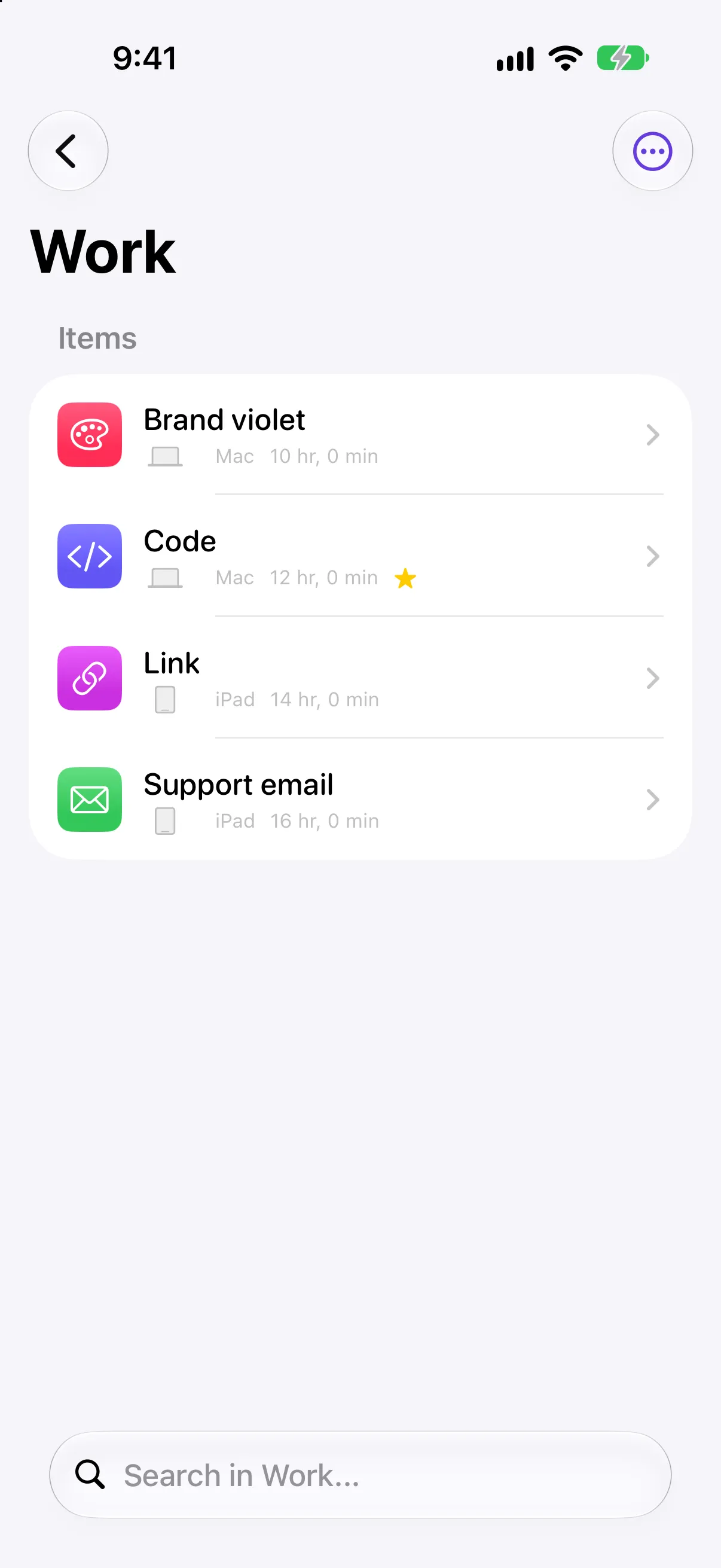
Folders
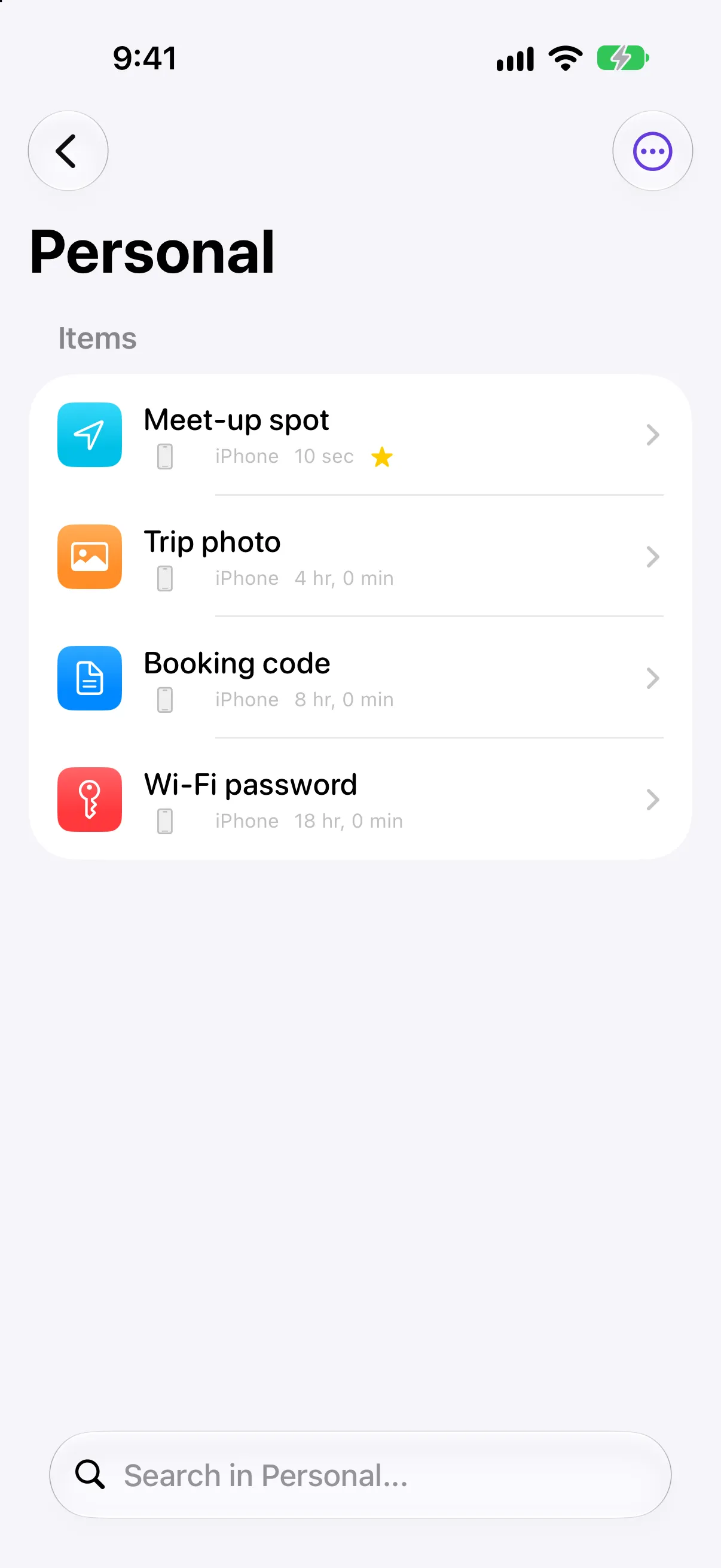
Group clips into folders with their own colour and icon.
 Copiko
Save what matters on iPhone and iPad. Paste it into any app, right from your keyboard.


Your clipboard history, a paste keyboard and folders for your snippets, in one calm app.
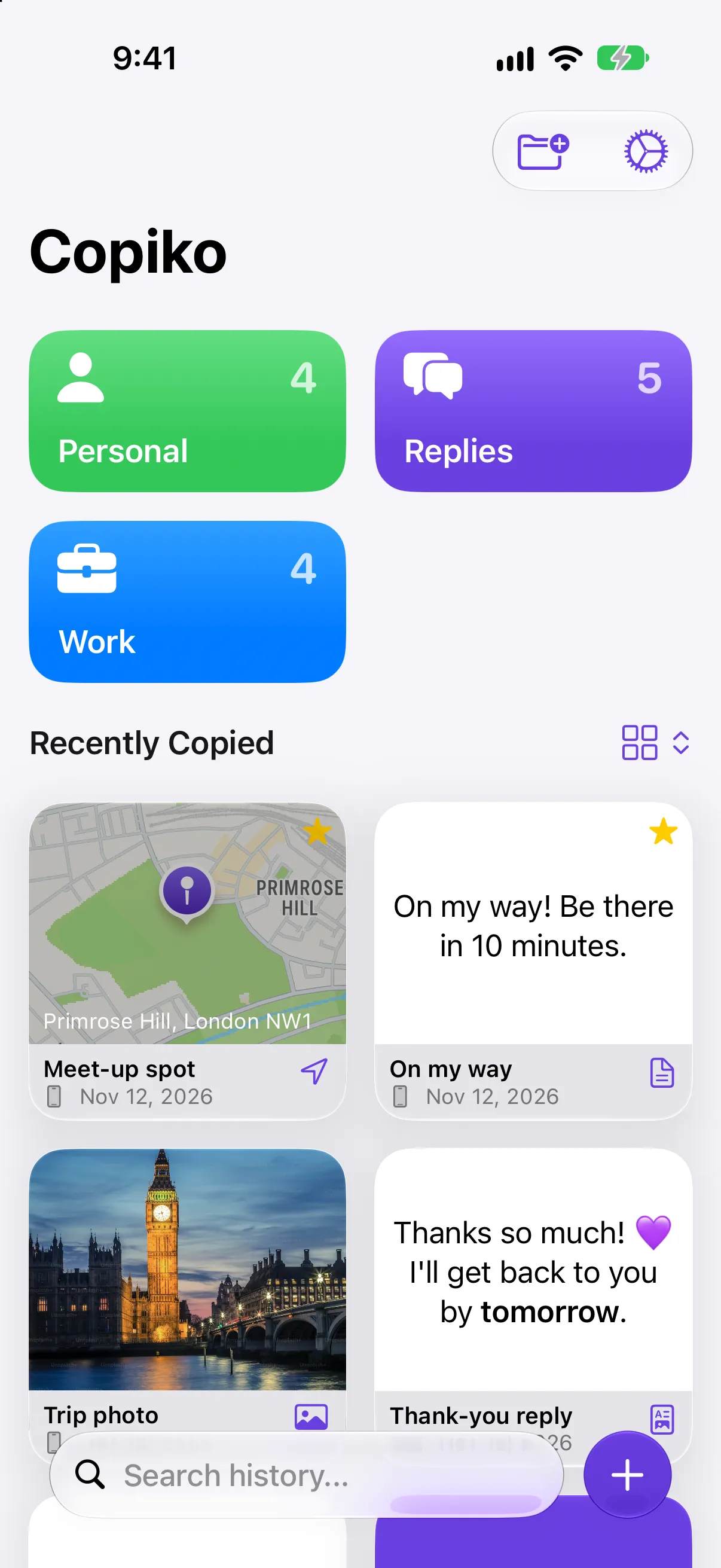
Everything you copy, kept
Save text, links, images and places. They stay in Copiko until you delete them.
Paste from your keyboard
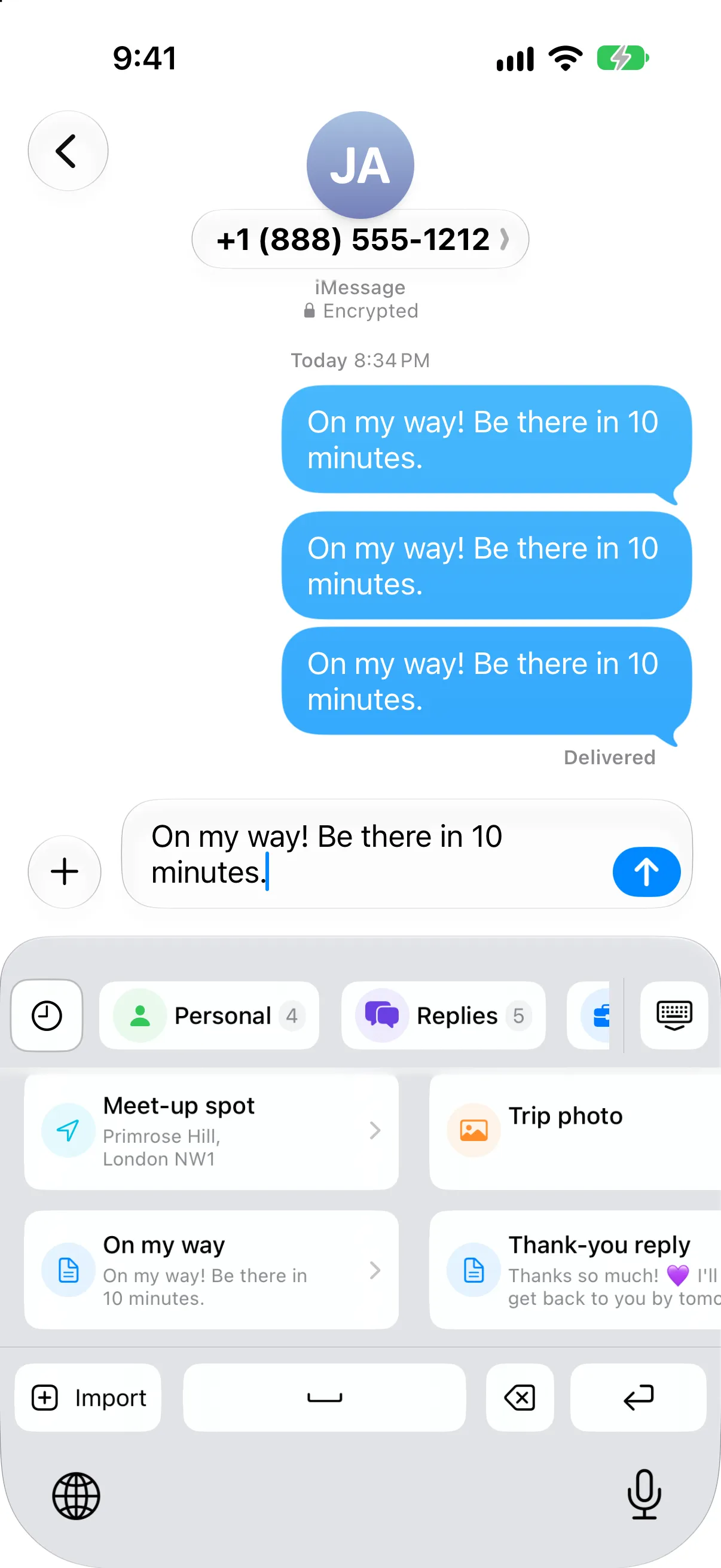
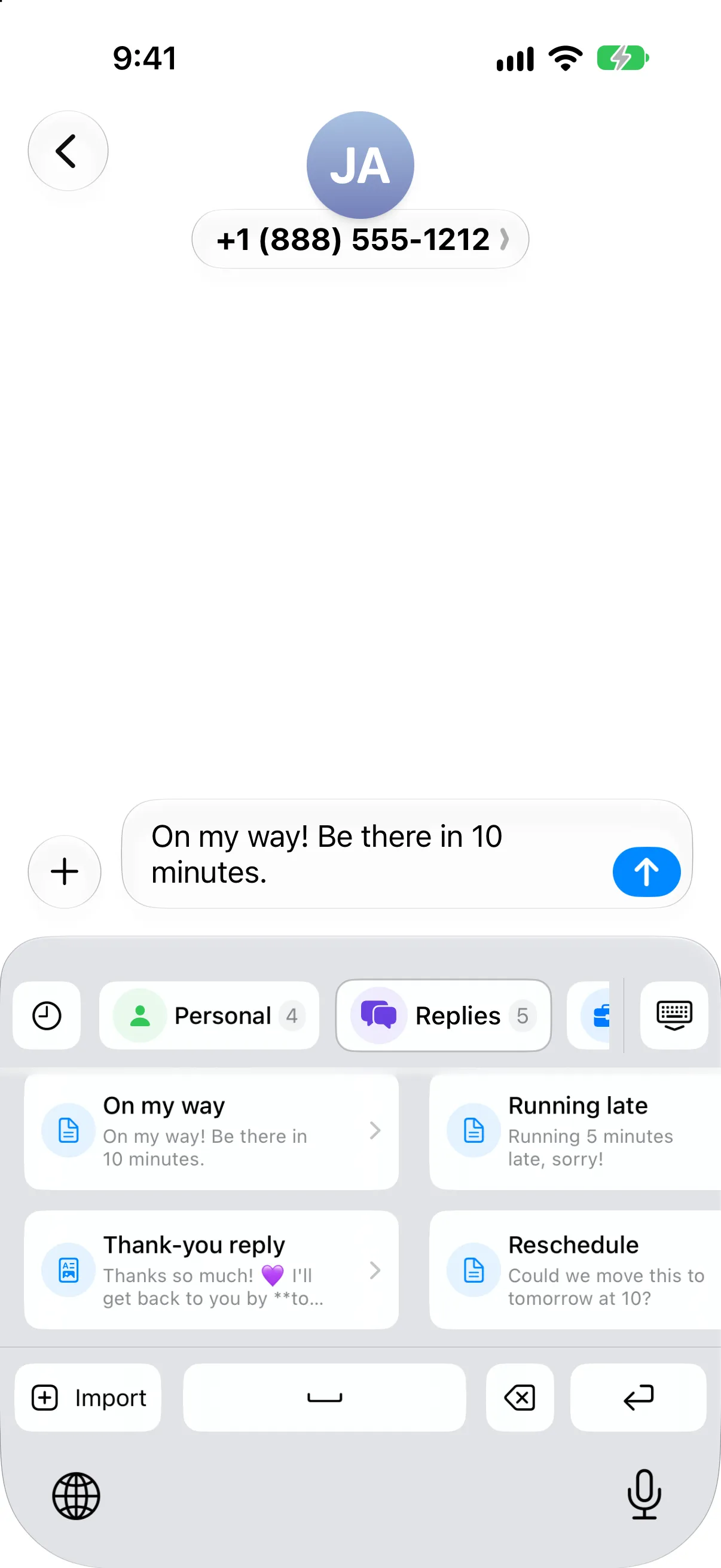
Switch to the Copiko keyboard and paste a saved clip into any app, without leaving the chat.
Saved replies in one tap
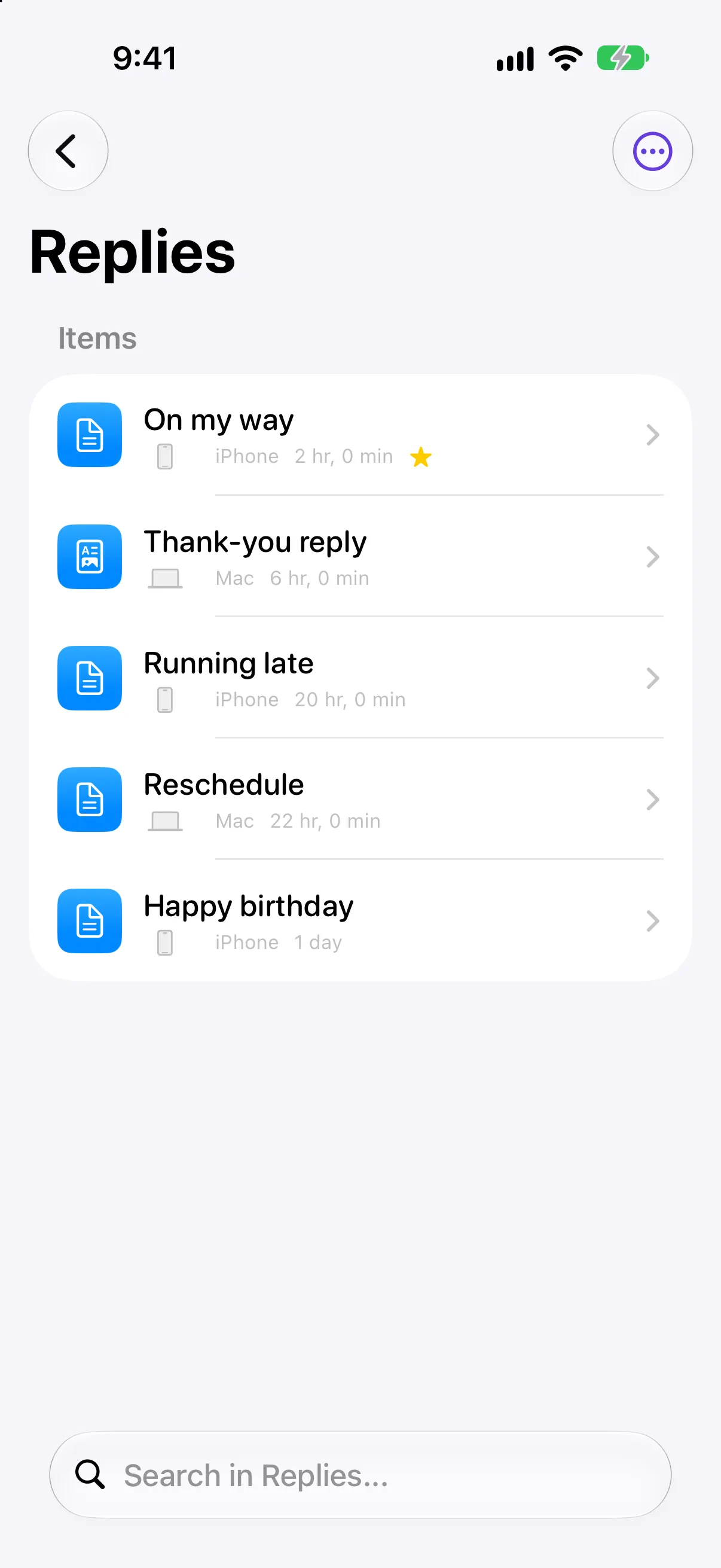
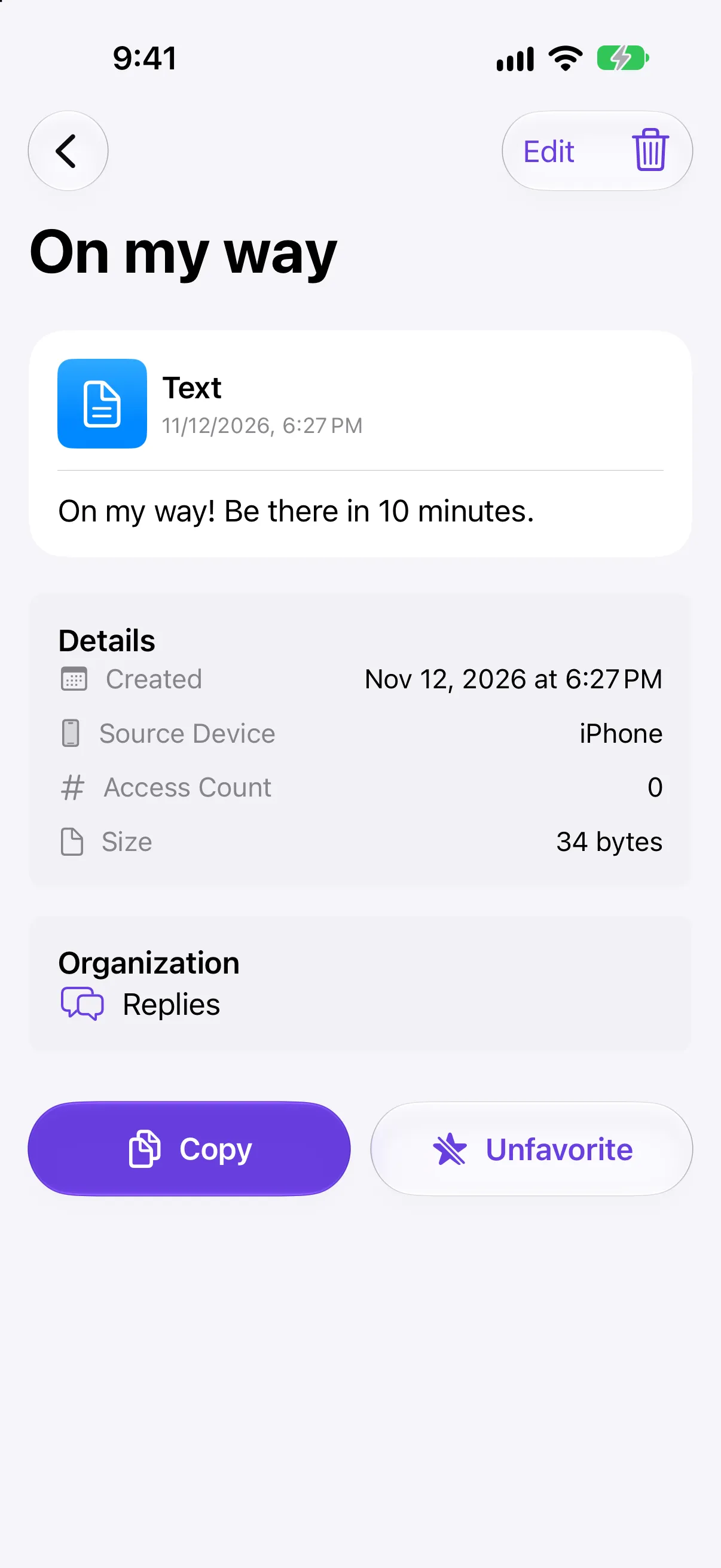
Keep the messages you send again and again, like "On my way" or a thank-you, ready to paste.
Synced on every device
Copy on your Mac, paste on your iPhone. Clips sync through your own iCloud.
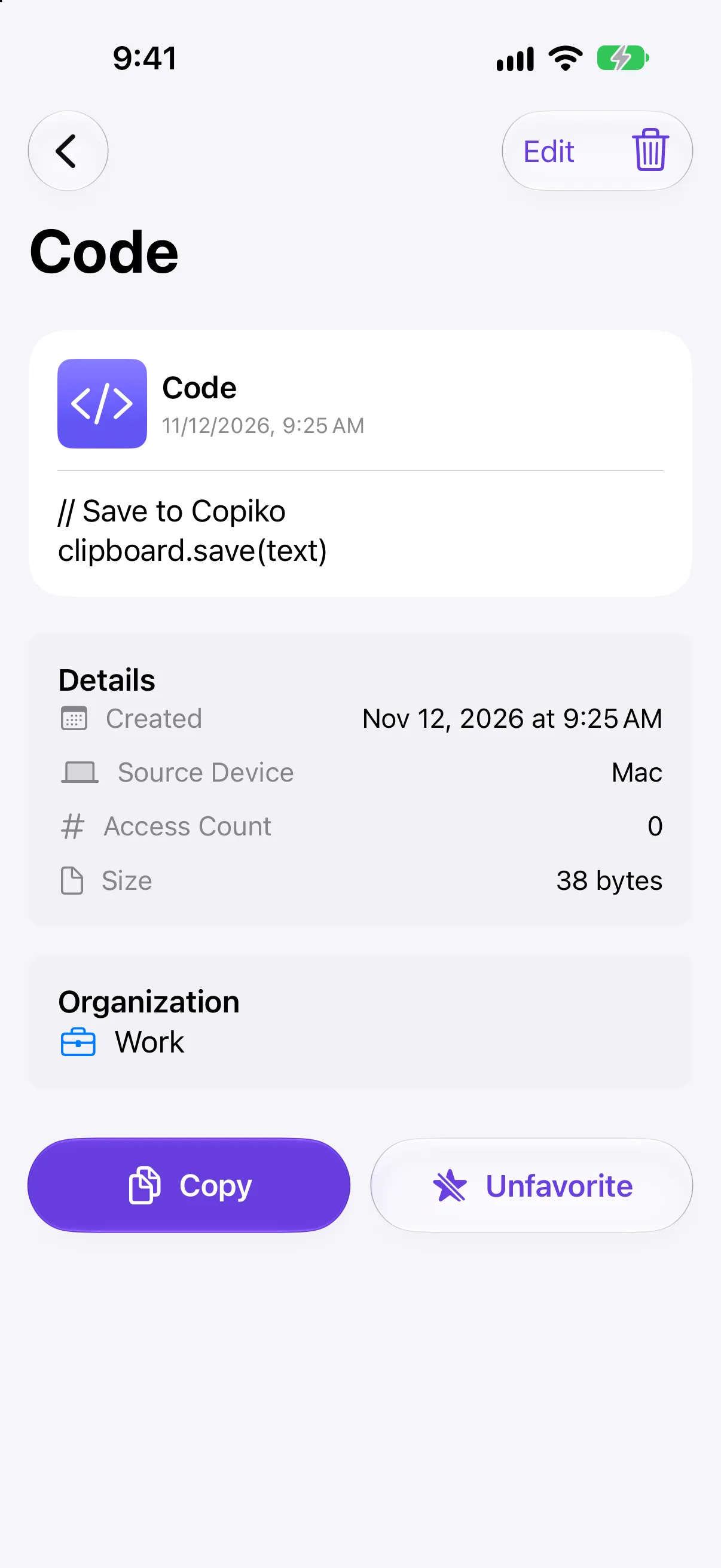
Keep your clips tidy, so the one you need is always a tap away.
No account, no tracking. Your clips live on your device and in your own iCloud.
Copiko has no servers of its own. We can't see your clips, and we never track or sell your data.
Clips sync through your own iCloud account across iPhone, iPad and Mac.
Nothing to sign up for. Open Copiko and start saving.
No. iPhone and iPad only keep the last thing you copied, and it's replaced as soon as you copy something else. Copiko keeps the clips you save so you can paste them again later.
Copiko is a clipboard history app for iPhone and iPad. Save text, links, images and snippets, organise them in folders, and paste them into any app from the Copiko keyboard.
Yes. Pastey is now called Copiko. Same app, new name and look: your clips, folders and Pro subscription carry over with the update.
Copiko has no servers of its own. Your clips are stored on your device and sync between your devices through your own iCloud account. We can't see them.
Yes. The Copiko keyboard pastes saved clips into any app without switching screens, and Save to Copiko in the share sheet saves content from any app.
Open Settings → General → Keyboard → Keyboards → Add New Keyboard and choose Copiko. In any app, tap and hold the globe key to switch to it.
Yes. Copiko is free to download and use. Optional Pro features are available with a monthly or yearly subscription.